In this article
A presentation folder brings proposals, credentials and supporting documents into one branded object. An attractive cover cannot compensate for pockets that fail to hold the contents or a spine that will not close. Effective design starts with the materials inside and the sequence in which they are presented. This guide explains how to resolve the construction before polishing the visible identity application.
Quick answer
Plan a folder around the actual documents and their combined thickness. Use the printer’s approved dieline, distinguishing cuts, folds and adhesive areas. Test pockets, spine and card slots with a filled mockup. Release production files only after checking orientation, bleed, finishing and closure together, rather than approving the cover artwork as an isolated image.
Define the contents before the cover
List the intended contents: a proposal letter, catalogue, specification sheet and contract attachment have different bulk. If the contents are A4, allow room for insertion and removal rather than treating the folder as an exact A4 rectangle. Confirm finished dimensions and spine capacity with the manufacturer. Anticipated thicker catalogues belong in the original brief. Oversizing the folder without a reason can also increase storage, transport and mailing requirements.
Read the dieline as a production document
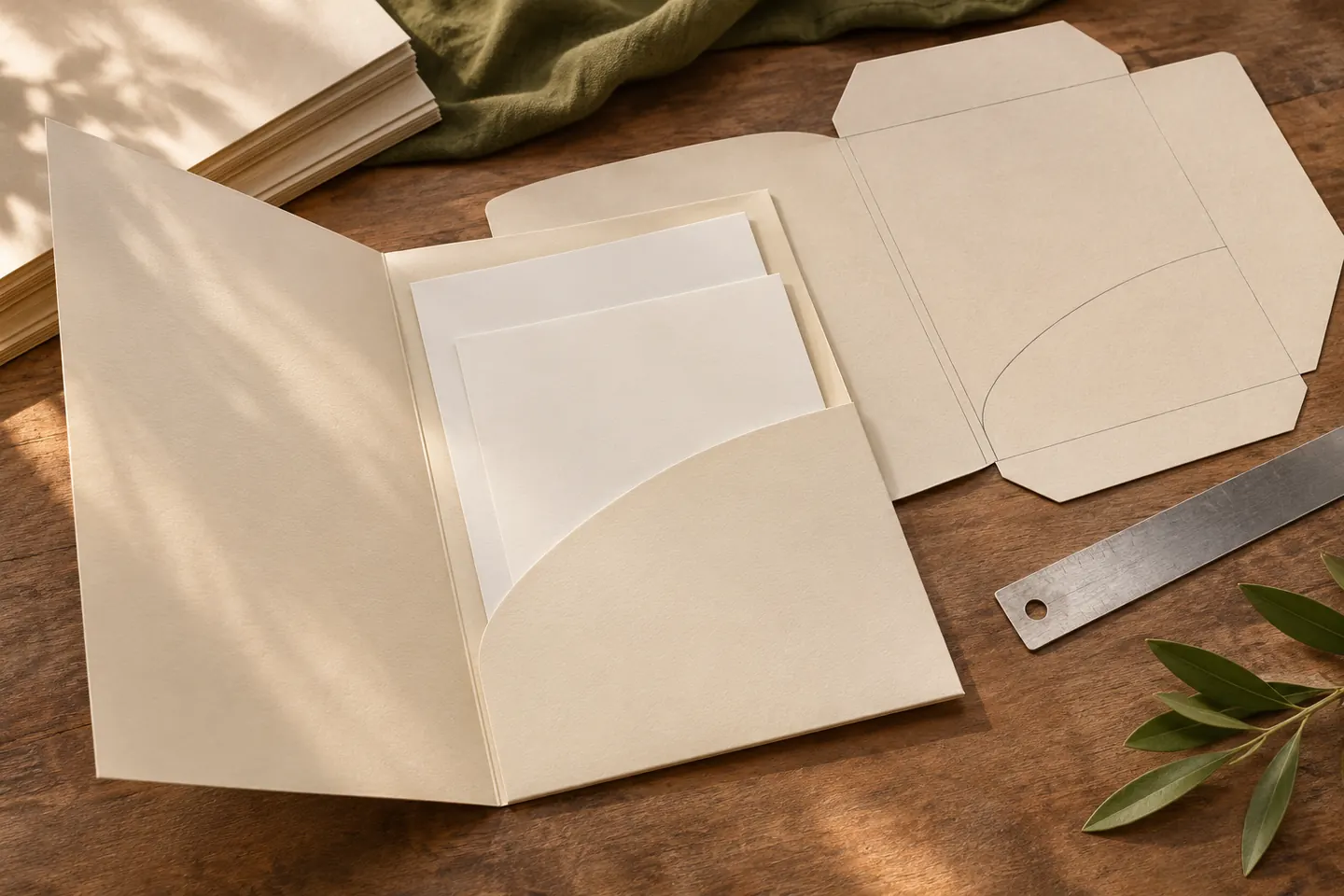
Not every line on a dieline belongs to the printed design. Cuts, creases, locking tabs and adhesive flaps serve different purposes. Preserve the manufacturer’s layer and colour conventions instead of moving construction lines to improve a visual presentation. Fold a mockup to establish which surfaces face outward. A layout that appears symmetrical in software may place contact details upside down after assembly. Track changes to the construction template alongside changes to the artwork.
Test pockets and card slots with real pieces
A pocket should retain documents without unnecessarily hiding their important headings. Card slots must hold the actual card without bending it or weakening the pocket. Choose one or two pockets according to content groups: credentials might sit on one side and a personalised proposal on the other. If papers slip out, curl or require force during insertion, resolve the construction before visual approval. Photographing an empty folder can conceal these functional problems.
Evaluate colour and finishing across folds
Large dark areas can reveal how paper and coatings behave at folds. Foil or embossing must be planned in relation to creases, pockets and adhesive zones. Ask the manufacturer about stock, grain direction and finishing options, then examine the result on a physical sample. If the folder must coordinate with cards and letterheads, compare the complete set under consistent lighting. Define an approved production reference rather than expecting every material to reproduce a screen colour identically.
Prepare the handover and reorder record
Provide a handover note explaining outer and inner faces, dieline and finishing areas. The print PDF, editable source and approved mockup should share one revision. Check wording, QR destinations, pocket orientation and document order together. Confirm quantity and any spare capacity requirement before production. When a repeat order moves to another printer, do not assume the previous die transfers unchanged. Recheck the artwork against the new manufacturer’s construction template and assembled sample.
Key takeaways
- Define contents and capacity before styling the cover.
- Test the approved dieline with a filled physical mockup.
- Keep one revision-controlled handover for production and reorders.
Frequently asked questions
Is an A4 presentation folder exactly A4 size?
A4 commonly describes the intended enclosure. The finished exterior may be larger to accommodate insertion and closure. Use the exact dimensions of the selected production template rather than the label alone.
Can a ready-made template be used?
Yes, a template supported by the manufacturer is a useful starting point. A random downloaded dieline still needs approval for its pockets, folds, materials and printing process before artwork is committed.
Should every service appear on the folder?
The folder works with its contents. Prioritise the organisation, a short description and essential contact details rather than compressing every service onto the cover. Detailed information can remain in replaceable inserts.