In this article
Packaging design extends beyond adding an attractive image to a product. Customers choose a variant, read important information, use the pack and recognise the brand through the same surfaces. Those surfaces are also shaped by materials and construction. Design decisions should therefore connect the product range with the manufacturer's information. Before developing a new pack, identify what readers need at each stage and which technical inputs are available. This provides a stronger foundation for an applicable design and reduces decisions that otherwise emerge after artwork has been prepared.
Quick answer
Packaging design organises brand communication, product information and usage needs across the surfaces of a manufactured pack. Start with a variant list, approved content and the supplier's current dieline. Review front-of-pack messaging, variant identification and secondary information together. Use mockups to discuss appearance, then confirm production suitability through a physical sample, technical checks and approval by the responsible people.
Map information from shelf selection to product use
At first sight, a customer should understand the product and identify the variant. Handling the pack brings more detailed questions; using it may require further instructions. Separate these moments in the brief. Prioritise brand, product name and selection differences on the front instead of placing every piece of information there, allowing other surfaces to carry the details.
For a hypothetical tea range, customers may need to find the blend quickly. Make that difference visible on the front and organise preparation information elsewhere. The design's job extends beyond attracting attention at a distance. Someone holding two packs should also understand their differences. Use that specific selection situation when reviewing proposed designs.
Build a shared layout with defined variable areas
Completely unrelated designs for each variant can make a range harder to recognise together. Plan shared logo positioning, information order and visual rhythm, with defined areas for changing product names or imagery. Colour can assist selection, but make names and other identifiers communicate the difference too, so colour does not carry the whole task.
Explain whether future variants must join the system. Test short and long names, different amounts of copy and pack sizes in the same layout. Rather than approving the whole range from one attractive pack, examine whether its two or three most demanding variants work together. This exposes practical limitations before the system is extended.
Obtain the supplier's dieline and record its version
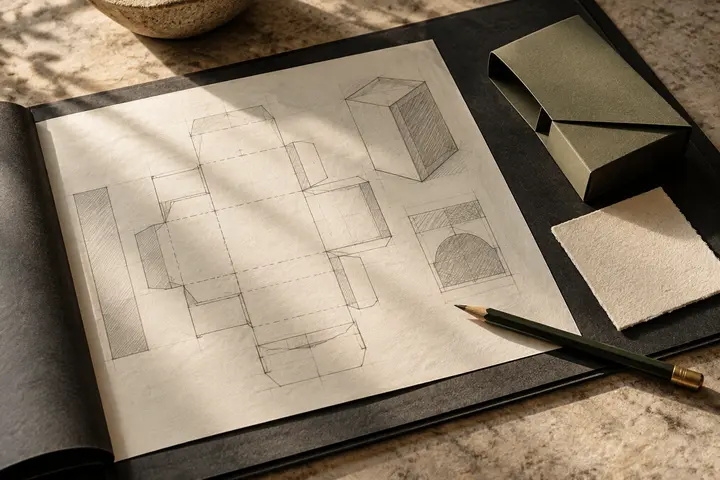
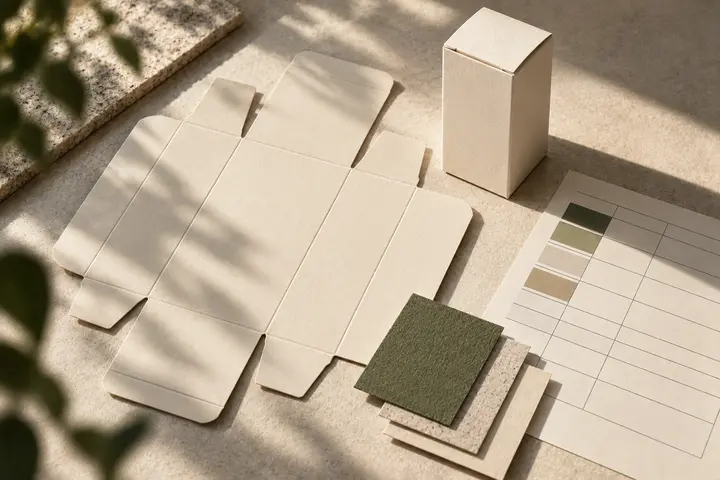
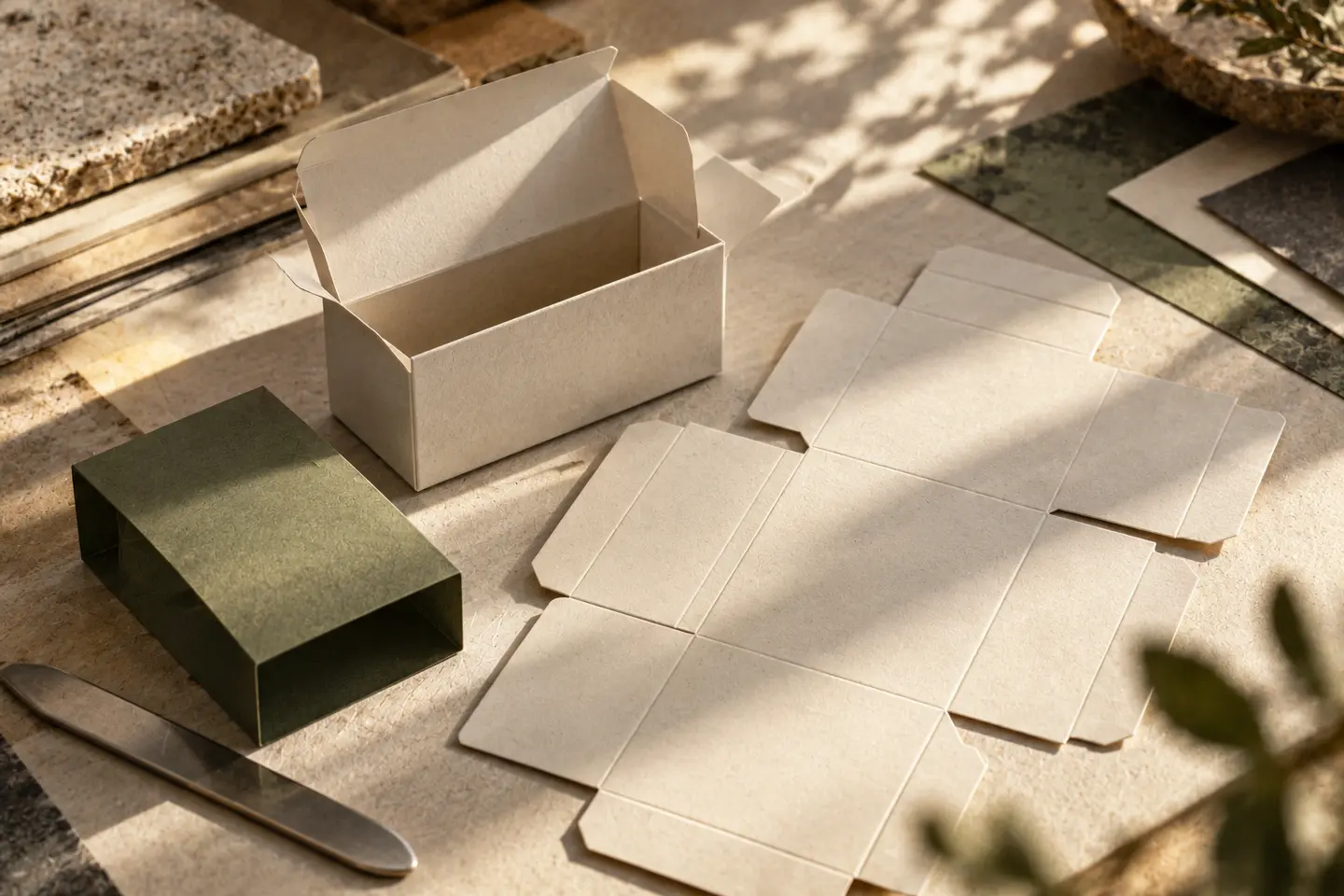
A dieline shows the technical arrangement of pack surfaces, cutting and folding areas on the flat artwork. Obtain it from the manufacturer rather than deriving dimensions or structure from a photograph. Share available information about material, printing and additional finishes. If structural development is required, identify who is responsible for that work separately from the visual design.
A changed dieline calls for another layout check. Record the version, approval date and supplier contact. Use a sample to examine which surfaces remain visible when the pack closes. A product name crossing a fold can look acceptable in flat artwork yet work poorly in use. Design and manufacturing discussions should therefore remain connected throughout development.
Check product copy and barcode space separately
The organisation's content owner should supply product copy. Have relevant specialists verify required statements for the product, market and use; design approval cannot replace that review. The designer arranges approved information legibly. When copy changes, use a content table to track whether the amendment applies consistently across all affected variants and language versions.
GS1 US explains the need to preserve barcode quiet zones and assess sizing with printing conditions. Clarify barcode data and technical requirements with the supplier rather than redrawing the symbol as decoration. Plan a scanning check on a production sample. A barcode visible on screen does not by itself demonstrate correct performance on the finished pack.
Move from visual mockup to production sample
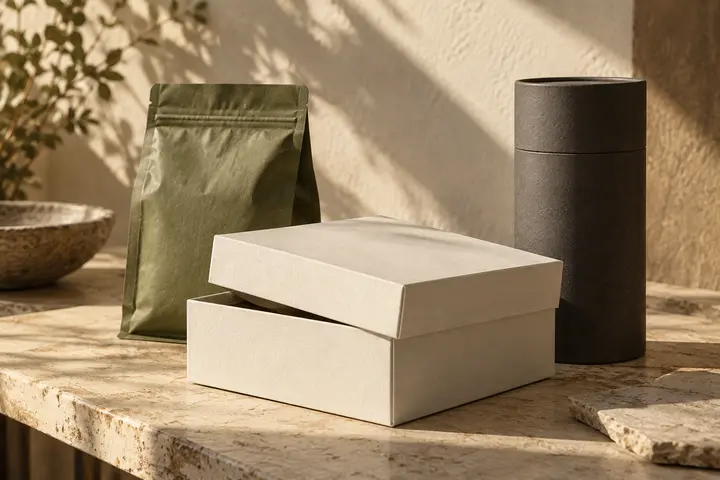
Use mockups to discuss front-panel impact and the range's appearance together. Request physical samples for material, closure and print assessment. Adobe explains that bleed extends edge artwork beyond the trim line to reduce gaps after trimming; obtain the required settings from the supplier. Keep technical templates and visual production files clearly identified in the handover.
- Are the product name, variant and instructions readable on a sample at actual size?
- Do folds, joins or closure areas conceal important information?
- Are approved copy, barcode data and versions correct across the range?
- Has the supplier checked the technical file and the organisation approved the production version explicitly?
Key takeaways
- Separate the information needed for first selection, close inspection and use within the packaging brief.
- Test demanding variants together using the manufacturer's current technical template.
- Track visual approval, content verification and physical production checks as distinct responsibilities.
Frequently asked questions
Is label design the same as packaging design?
A label may cover a specific surface applied to an existing pack or product. A packaging assignment may include several surfaces, a product range or structural coordination. State exactly which surfaces and technical tasks are included in the proposal.
Does a three-dimensional mockup prove production readiness?
No. A mockup supports visual discussion. Actual dimensions, materials, folding and print results require checks with the manufacturer. Plan physical sampling and file review separately rather than treating approval of a rendered mockup as approval to manufacture.
Who prepares the product information on the pack?
The organisation's content owner and necessary specialists should supply or verify it. The designer arranges the copy and should not invent unverified product claims. Assign responsibility for translation and different market versions explicitly if they are required.