In this article
A moving logo does not automatically express a brand more effectively. Parts assembling, letters arriving or a symbol turning should support an identified communication task. A video ending, website opening and event screen create different viewing conditions. This guide treats motion as part of the identity rather than a detached collection of effects. Define the thought movement supports, then establish where and how it will be used. Technical implementation and motion preferences belong in the plan alongside approval of the creative sequence itself.
Quick answer
Logo animation presents approved identity elements through movement and transitions over time. It can appear in a video ending, digital presentation or website interface. Define the recognition goal and context first, retaining a static alternative. Continuous motion, an interaction-triggered effect and a single presentation sequence need different assessment. User controls and motion preferences should be reviewed in the actual implementation rather than inferred from an isolated animation preview.
Choose one thought the movement should express
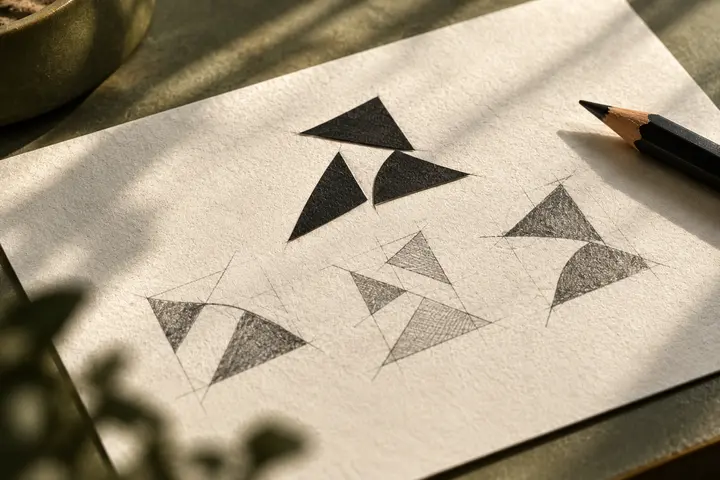
Combining pieces, revealing a readable name and emphasising a direction are different ideas. Adding every effect to one sequence may make the message less clear. A hypothetical technology brand could express connection through elements joining, provided that thought relates to the business. The main sign should still work when movement is absent. Describing the contribution in one sentence helps identify decorative details that do not support the communication and are present only because animation is possible.
Plan the sequence around its viewing context
A viewer at the end of a video sees a closing image, while a website visitor may be trying to complete another task. Do not place one sequence everywhere without considering those roles. Demonstrate sound and silent conditions, full-screen presentation and small corner use separately. If the name is readable only at a certain moment, check that it is not missed. Approve the sequence with actual surrounding content rather than relying solely on an independent motion preview.
Connect the opening and closing states to the identity
Elements can transform during the sequence, but the approved final sign must remain clear. Its proportions, colour and arrangement should agree with the identity system. Relevant light and dark versions may be needed. Specify where the static alternative applies: disabling motion should not leave a meaningless empty frame. Retaining a separate approved still prevents the animation from becoming the only available identity source and supports ordinary applications that do not use motion.
Assess automatic motion and interaction separately
W3C discusses pause controls for certain continuing automatic movement and user preferences for non-essential interaction-triggered animation. Do not reduce these distinct issues to one duration rule. The implementation team should assess the conditions relevant to the intended use. Discuss which effects are essential and which are decorative. When motion is reduced or disabled, the brand name and page function should remain understandable. Include that condition among acceptance examples rather than reviewing only the animated state.
Define delivery beyond a single video file
Different destinations can require different outputs or implementation. Agree backgrounds, proportions, dimensions and playback behaviour with the technical team. Explain whether editable sources, sound elements and static frames are included. Do not assume one file format behaves identically across every platform. A hypothetical campaign may need separate acceptance records for its video ending and website header. Distinguishing project sources from publication-ready exports in file names makes later updates and responsibility easier to understand.
Review actual applications with BOCW
Inspect the animation alongside the brand’s text and intended publication surface. Confirm that viewers can recognise the sign, read the relevant name and continue any other task. Discuss entrance, repetition and closing behaviour separately. Approval for one placement should not automatically extend to every channel. Record which version is used where, what appears when motion is disabled and who handles future updates. The animated mark then remains a manageable identity component rather than an untracked effect added independently by each supplier.
Key takeaways
- Define the thought movement supports and the real viewing context.
- Retain an approved closing state and static alternative in the handover.
- Verify automatic motion, interactions and user preferences separately.
Frequently asked questions
Does every logo need animation?
No. If movement has no identified communication role, a static use may be sufficient. Assess the need through the medium and actual content.
Can one animation serve every platform?
Adaptation may be needed. Review placement, proportions, background and playback conditions before selecting the output and sequence.
What should appear when movement is disabled?
An understandable approved static sign. Identity information and page function should not depend on watching an animation.