In this article
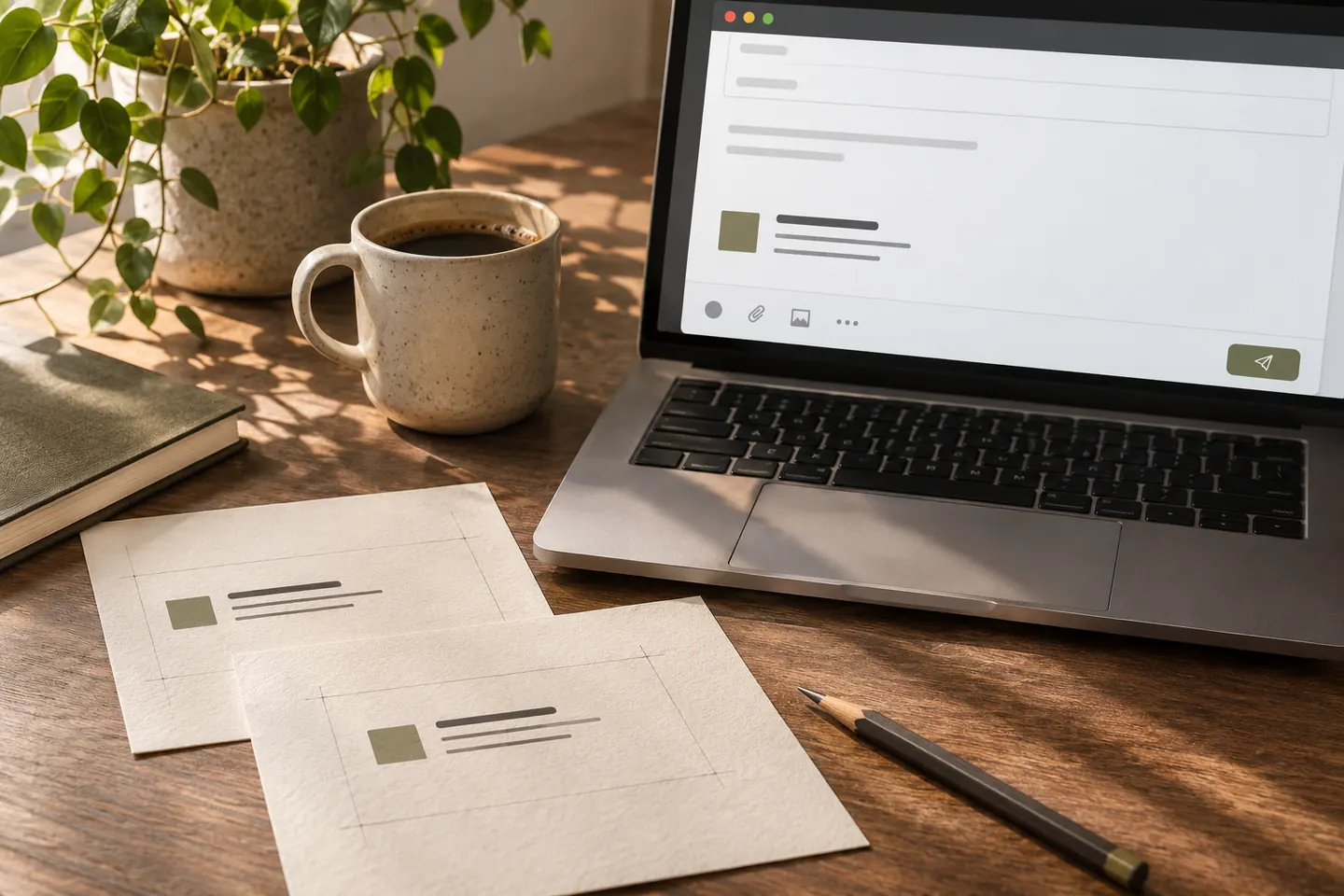
A corporate email signature is a small brand application repeated at the end of messages. Simply attaching an attractive business-card image may not meet the recipient’s needs. People must be able to identify the sender, role and contact route, use links and read details on different screens. This guide treats the signature as an everyday template: employees share a structure, not necessarily identical information.
Quick answer
Prioritise name, role, company and necessary contact information. Use the logo alongside readable details instead of replacing the whole signature with an image. Separate employee-editable fields from fixed brand elements and limit unnecessary icons or campaigns. Test desktop, mobile, new messages and replies to check links, appearance and information accuracy in the situations employees actually use.
Keep the information hierarchy concise
Start with the recipient’s questions: who is writing, in what role and how can they be reached? Multiple phone numbers, addresses and social accounts are not automatically useful. Select details appropriate to the job. A salesperson’s direct number and a general support address serve different purposes. Test long names and department titles; a layout approved with a short placeholder may not suit the whole team.
Do not make every detail part of one image
A logo or relevant brand image can be useful, but embedding every contact detail in one picture can obscure information when images are unavailable. Consider readable text for names and links. Review alternative descriptions and link targets as well. Rather than shrinking a poster into a signature, build a restrained layout around the signature’s information task and assess whether each icon adds value.
Separate fixed elements from editable fields
Keep company identity, logo version and core colours fixed while names, roles and selected contacts can vary. Assign responsibility for updates. Adding a colleague should not require rebuilding the design. Supply a short completed example and explain how to remove unused lines. Agree the order for bilingual details. Automatic translation or improvised abbreviations should not replace approval of corporate titles and information.
Test implementation in the mail environment
Microsoft documents signature creation and template options for Outlook, but menus and behaviour can vary by version. Identify the company’s actual mail applications first. A design looking correct in a Word document does not guarantee identical recipient display. Check spacing, image scale and links in new messages, replies and forwards. Provide a clear installation source instead of letting staff copy an old screenshot as the standard method.
Review mobile display and update ownership
On phones, review long addresses, usable links and whether the signature overwhelms the message. Check logo contrast in light and dark displays too. Keep a dated version and identify who announces contact or campaign changes. A hypothetical multi-office company can use one structure with each office’s correct details. The template should maintain visual consistency without spreading an incorrect branch number across outgoing correspondence.
Key takeaways
- Keep contact information readable.
- Separate brand constants from personal fields.
- Assign installation and update ownership.
Frequently asked questions
Is there one ideal signature size?
There is no single useful size for every client and content set. Define information and image needs first, then evaluate dimensions through real desktop and mobile message tests.
Should every employee have the identical signature?
The visual structure can be shared while roles and contacts vary. Defining editable fields helps retain identity and makes it easier for employees to use accurate information.
What should be checked if the logo is missing?
Inspect the image reference, access and the recipient client’s image behaviour separately. The design file alone is insufficient. Open a test message in different recipient environments to locate the issue.