In this article
A technology or B2B buyer in Ankara may first encounter a brand through a proposal, a specification sheet or a sales presentation. A manufacturer in OSTİM and a software team in ODTÜ Teknokent will use different types of information. Start the identity brief with real documents the company already sends, then identify where customers need a clearer hierarchy or a more consistent presentation.
Quick answer
Corporate identity design for Ankara technology and B2B companies sets shared visual and information rules for proposals, product sheets, catalogues and presentations. Test long technical tables, multiple product names and edits by different departments before accepting the templates.
Define a hierarchy for proposals and product sheets
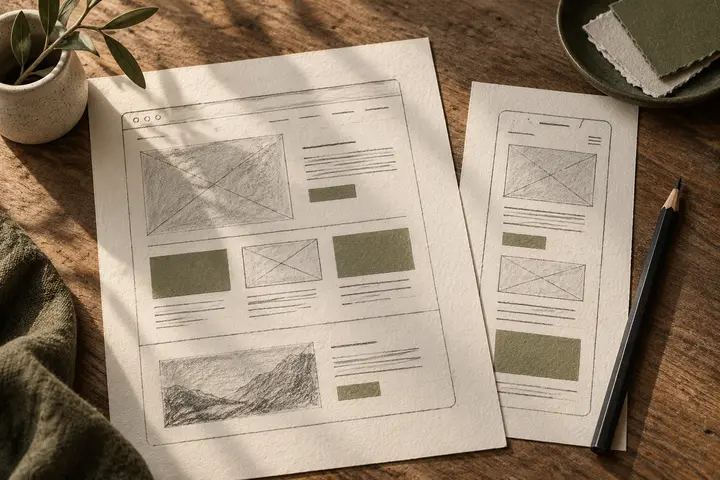
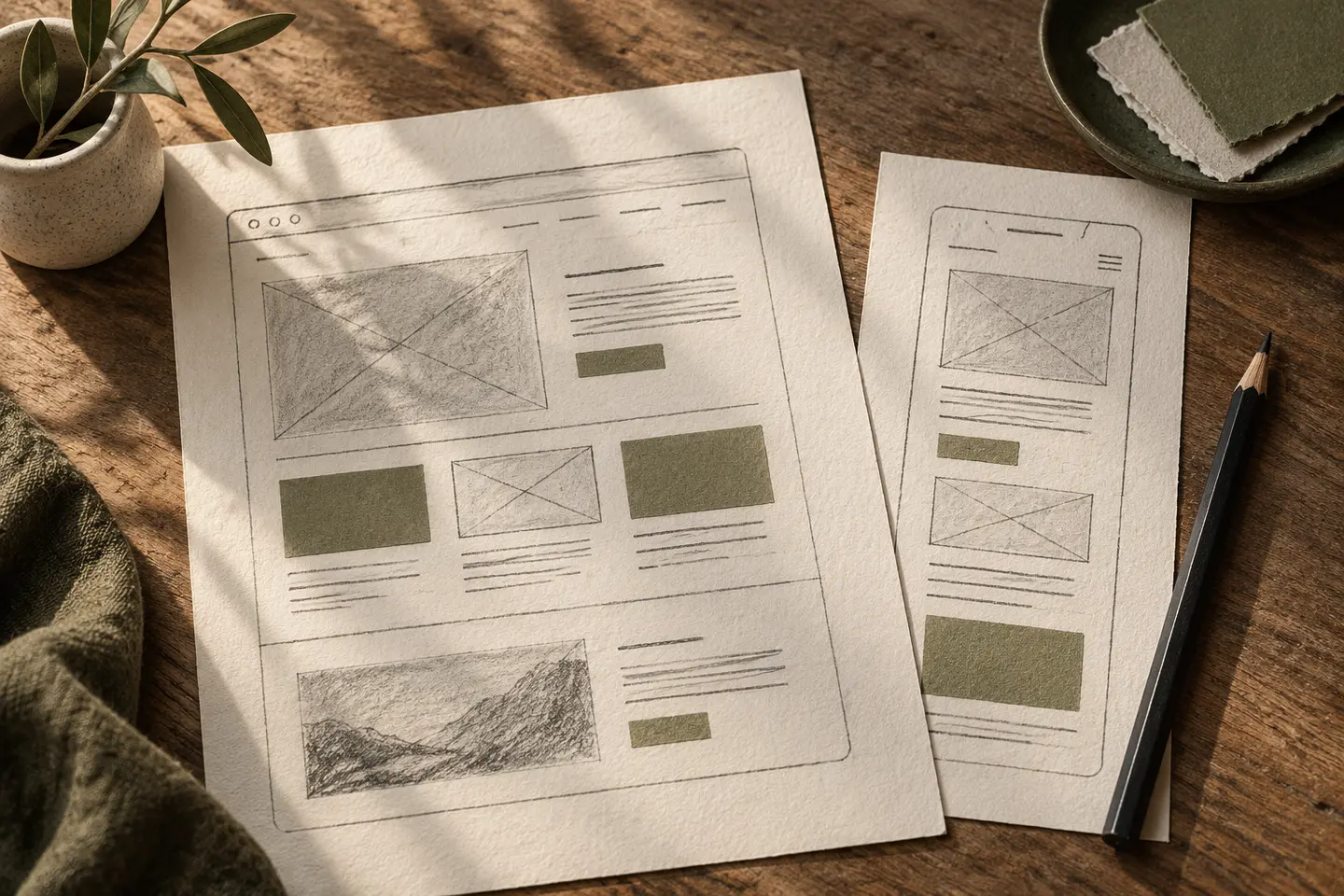
A proposal should make the project name, scope, deliverables and contact information easy to locate. A specification sheet may need a table for model numbers, sizes and options. Test a real table and a long proposal page. As rows are added, check how the headings, notes and page breaks work for readers who need to compare several options.
Give each product family a clear place
Establish where the parent brand appears, then decide how products are identified by name, heading style or supporting colour. A sales deck might display the solution name prominently while placing the company mark in a consistent position. Test the same rule with a web page, an exhibition panel and a PDF catalogue built around one product.
Follow the product from exhibition to support
An exhibition panel may need to communicate the company and product group in a few seconds. A support document for the same product needs the model number and support contacts to be easy to find. Prepare a sample panel, catalogue entry and support document. Check that symbols keep their meaning and the product code appears in the same format.
Specify editable files in the proposal
List the editable slide master, table examples, sample pages and font information the teams need. A presentation cover and a reusable deck represent different deliverables. Ask sales, technical staff and marketing to prepare one item each using the same product information during a pilot. Use the results to adjust the templates and guide.
Decide how the team will maintain the system
Give teams files in the tools they use every day. Identify where the approved templates live, whom to contact for changes and how an updated file is released. A short guide can demonstrate how to add a slide, change a specification table and prepare an exhibition announcement. Review those tasks with the people who will do them.
Trial an actual document update
Ask the technical team to change one model specification and the sales team to use it in a proposal. Check that both outputs use the same model name, field labels and contact details.
Key takeaways
- Use real product data to test sales and technical templates.
- Document how the company and product family appear together.
- Ask the teams that maintain the files to test the handover.
Frequently asked questions
Where should an Ankara technology company start?
Review the proposals, decks and technical sheets used in sales calls. Prioritise documents that repeat the same information in inconsistent formats.
Can the same project include a catalogue and presentation template?
Yes. Define the page types, editable formats and example pages to be delivered in the proposal.
Which files should an exhibitor prepare first?
Plan the exhibition panel, product sheet and follow-up deck together. Check the product name, model number and contact details across all three.