In this article
A dealership's vehicles change, while the business customers contact retains its name. Make that distinction visible in the logo commission. A drawing resembling a manufacturer's identity may create a visual association without explaining the dealership's own role. Supply current listings, showroom photographs and examples of folders given to customers. Discussing how someone recognises the same seller when moving from an advertisement to the premises provides a more useful starting point than choosing a symbol simply because it appears fast or luxurious.
Quick answer
Commission the dealership logo as a seller identity independent of vehicle manufacturers. Compare recognition on listing photographs, the showroom entrance and a small contact card. Keep vehicle specifications and changing sales information outside the permanent mark. Define photographic signature treatments, listing templates and showroom applications as separate parts of the delivery, rather than assuming one presentation image covers them all.
Give the dealership and vehicle brands distinct roles
Explain whether the business presents one manufacturer or several, and which name customers should remember as the seller. A drawing representing one vehicle in stock may not describe the wider selection. If manufacturer marks appear in review examples, the business supplies current artwork and its intended context. Avoid defining the new identity as a combination of those marks. A listing example with separate areas for dealer, manufacturer and model information makes the relationship much easier to assess during a concept review.
Choose a photographic signature that respects the vehicle
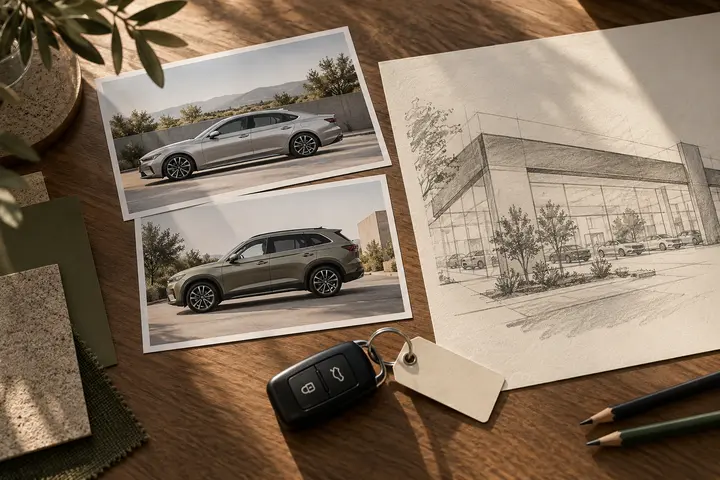
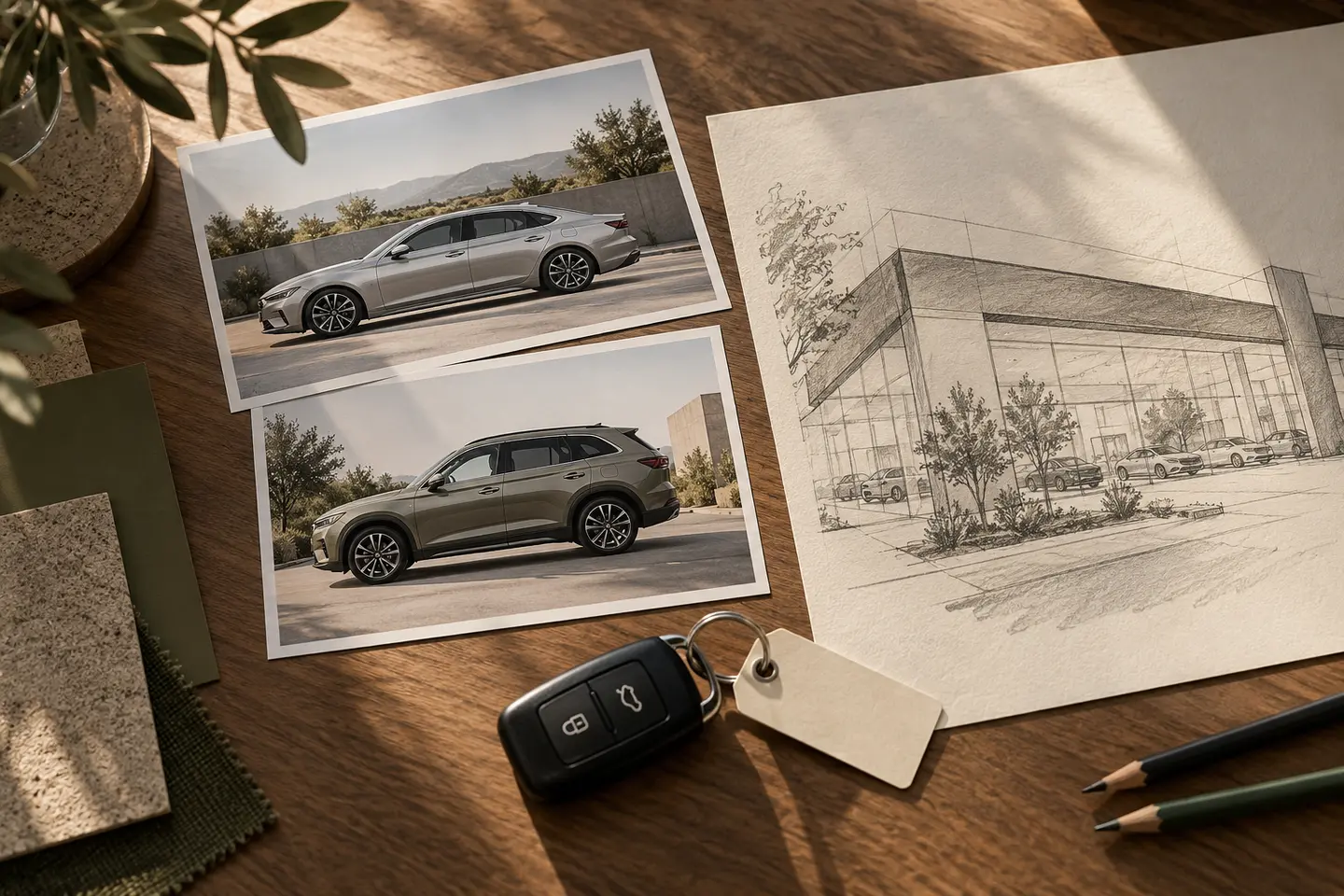
Front, side and interior photographs offer different areas of available space. Test at least those views instead of approving the identity from one convenient image. A large mark covering a headlight, dashboard or body detail can obscure the product that the photograph needs to describe. Compare a concise readable signature with a larger framed treatment. Show examples for changing conditions, such as a light vehicle against a dark background, so that staff understand which approved version to use.
Compare a windscreen card with the showroom entrance
A card inside a vehicle may contain the dealer name, vehicle information and a contact line. The entrance has a different priority: identifying the business. These surfaces do not need identical hierarchies. Populate an actual card to check whether the logo compresses useful information. In a showroom photograph, inspect the identity behind the displayed stock. Fine lettering that looks impressive across a large facade may need another name arrangement when reduced to the restricted space available on a vehicle card.
Test a stock change through a hypothetical example
Imagine the dealership presenting a city car and a commercial vehicle during the same week. Their photographic settings differ, but the seller should remain recognisable. Compare which elements stay fixed while model names, images and descriptions change. If the company does not specialise exclusively in expensive vehicles, assess whether the selected character also fits an ordinary listing. The approval can then rest on the identity's behaviour in two observable situations rather than on an invented story about sales performance or customer response.
Give the listing team a usable editing system
If every additional vehicle should not require another design request, define the editable areas. State where staff change the photograph, model heading and contact information. Count the listing formats, facade application and folder cover separately in the quotation. During acceptance, try a provisional vehicle heading that is not already in the demonstration material. Inspect whether a longer model name disrupts the arrangement. Separating permanent identity assets from daily listing templates helps staff find the correct file for the task they are completing.
Key takeaways
- Keep the seller identity independent of manufacturer marks.
- Review signature placement across three different photographic views.
- Test the editable listing template by adding another vehicle.
Frequently asked questions
Does the logo need a vehicle silhouette?
A silhouette is one option. Assess whether it suits the range of vehicle types and supports the dealership name when the listing is small.
Should the dealer logo change for each manufacturer?
The seller identity can remain fixed. Manufacturer and model information should occupy separate changing areas within the listing.
Are listing images included with the logo design?
Specify the formats and editable fields separately. One photographic mockup does not amount to delivery of an entire listing system.