In this article
Agriculture and agricultural technology cover different kinds of business. A producer brand, equipment supplier and software company may have quite different application needs. Starting with a green palette, leaf or field photograph can therefore leave important questions unanswered. Clarify which entity and products the identity represents, where it will appear and who needs to read it. This guide connects field visibility, product families and technical communication through design. It does not provide agricultural, yield, safety or agronomic advice; it concerns visual presentation of approved business information.
Quick answer
Identity for agriculture and agricultural technology should relate the company, product or service family, field applications, dealer communication and digital information. Test the logo on small labels and large vehicle or sign surfaces. Visual symbols should not imply environmental performance, product effects or certifications the business cannot substantiate. Relevant technical information must come from approved subject-matter sources rather than creative invention.
Identify the level represented by each name
A producer, equipment supplier, service company and technology product do not necessarily require identical brand hierarchies. List the corporate name, range, model and service description separately. Identify which elements remain permanent. Instead of changing the company mark for each model, establish a manageable product level. Discuss what the customer should remember and which information supports ordering. Do not attempt to compress the entire breadth of the sector into one literal symbol or overloaded logo arrangement.
Evaluate the physical field surface separately from the file
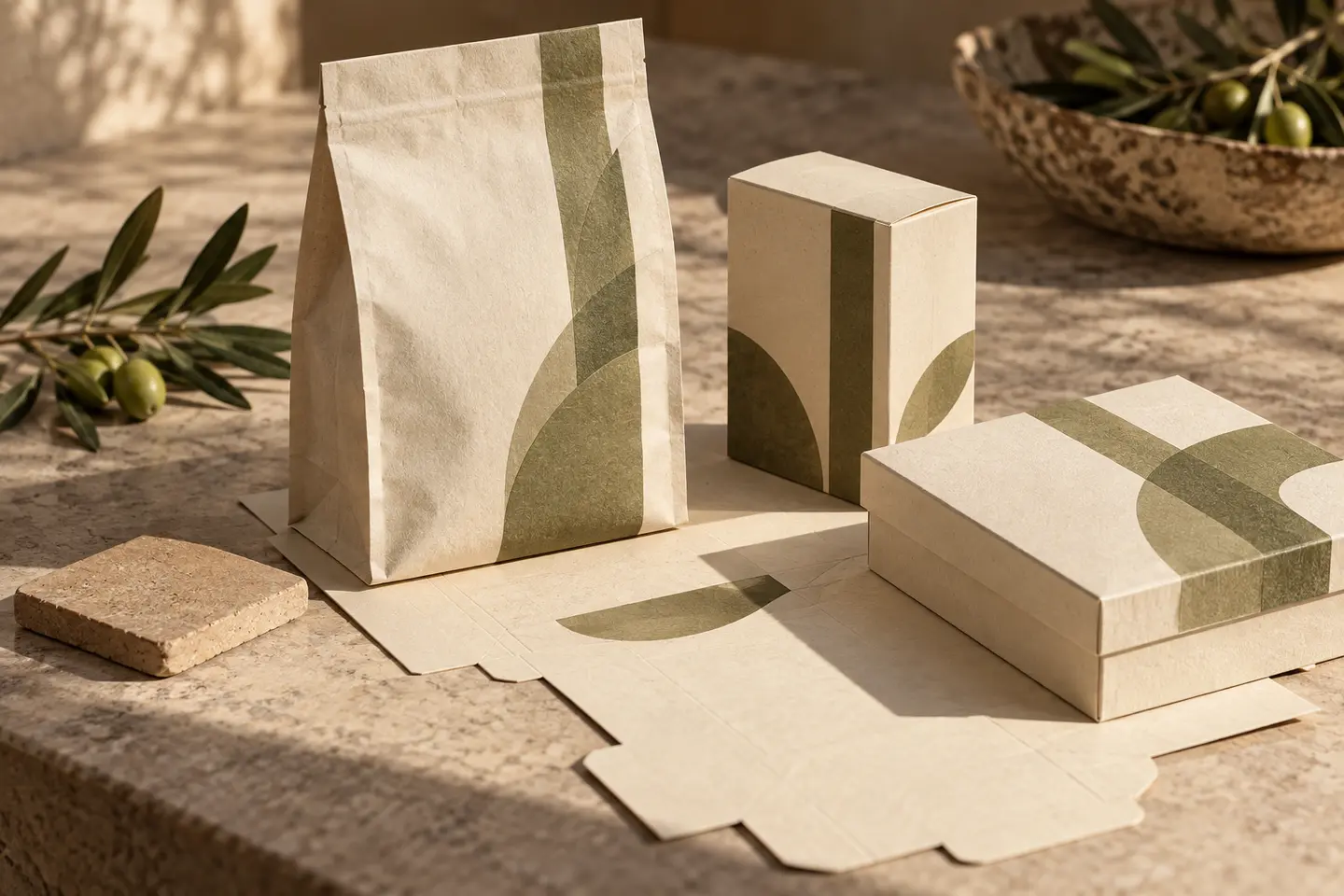
Vehicles, equipment panels, packaging, work clothing and dealer signs create different conditions. Include viewing distance, surface shape and production method in the brief. Fine details visible in a large presentation do not demonstrate equivalent clarity in use. Plan suitable proofs with the supplier. Where technical warnings or functional markings exist, do not reinterpret them as decorative brand graphics. Keep their review with the relevant responsible specialists and distinguish that approval from the aesthetic decision about the corporate identity.
Connect the product family with dealer information
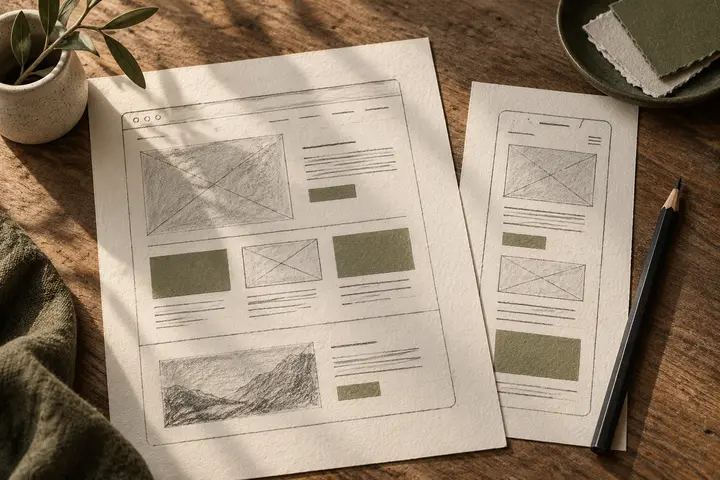
A logo cannot resolve a dealer sheet, catalogue and website naming the same product differently. Establish a shared record for names, codes and image versions. Clarify what the manufacturer supplies and what the design team organises. Use explicit naming and information order alongside colour when distinguishing models. Test how the template extends using the longest or most complex example. This provides more useful evidence than a polished page representing only the simplest item within a much larger product range.
A hypothetical brief connecting equipment and software
Imagine a company supplying equipment and a tracking software service under one corporate umbrella. The design review covers the company mark, relationship between equipment and software names, vehicle application, dealer sheet and website heading. Technical characteristics and explanations come from approved business documents. The design team establishes their reading order and connection to the identity. This is not a report about a BOCW project or the performance of a particular product; it is a working exercise across different touchpoints.
Distinguish natural imagery from substantiated information
Soil, leaves and landscape photographs are possible visual choices. Assess separately whether they imply environmental superiority, certification or a particular product effect. Do not create the appearance of official approval through decorative badges. The identity’s central task is to identify the business. Have wording and symbols reviewed by the information owner. Establish actual service information before choosing an abstract natural atmosphere; visual expression should support that understanding rather than take the place of evidence about the offer.
Include field and digital outputs in the BOCW handover
Share existing materials, product lists, application photographs and dealer examples. Separate logo files, product arrangements, production applications and digital templates in the scope. Make the destination of each output clear. At final review, verify that the physical application and online product name refer to the same approved version. Identify who approves information and imagery for later dealer or model updates so outdated technical content is not unknowingly carried into a newly designed document or publication.
Key takeaways
- Distinguish the company, product family and model levels.
- Test field applications through actual surfaces, distances and production methods.
- Connect dealer and website material to one approved product record.
Frequently asked questions
Must an agricultural identity use leaves or green?
No. Those are possible visual choices within a wider decision about the business and its applications.
Can technical warnings be redesigned to match the identity?
Brand work does not automatically change technical requirements. The relevant responsible specialists need to review such material separately.
Does the work establish yield or environmental claims?
No. Design organises approved information. It should not invent product effects or certification statements.